In this unit, students will learn about different kinds of computer operating systems and why they are important.
Now Studying: Operating Systems
Welcome to the demo. To save your progress and start earning certificates, please create a free account or log in.
Core Training Activities
Free Demo
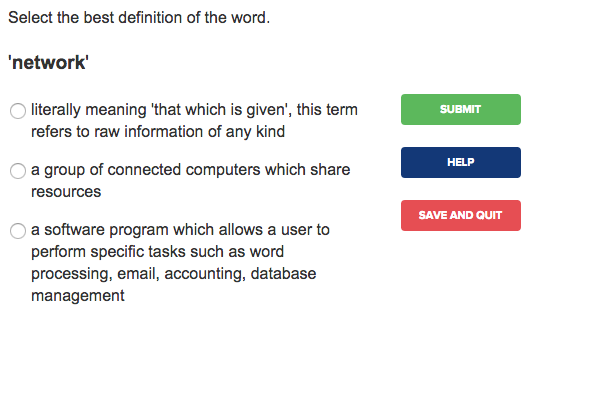
Multiple Choice Activity
Select the best match between unit terms and their definitions.
Free Demo
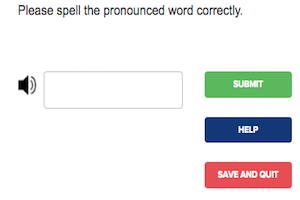
Listening Comprehension Activity
Listen to short audio clips in English and then spell them correctly.
Free Demo
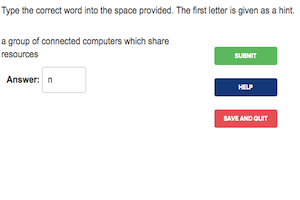
Spelling and Recognition
Identify and spell a vocabulary term correctly given only the definition.
Free Demo
Vocabulary Builder Activity
Students will learn the following key terms and phrases:
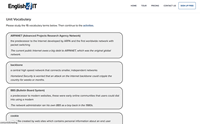
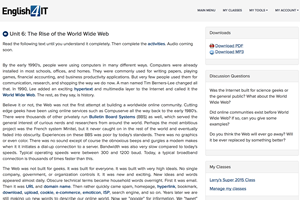
Improve your reading comprehension and vocabulary in context with our interactive reader.
Operating Systems: An Introduction
An operating system (OS) is the software layer that provides multitasking and lets you control the basic functions of a computer. Without an OS, a computer would be extremely difficult for people to use.
The OS allows you to do things such as:
Sign in with a username and password
Sign out and switch between users
Free Demo
Reading Comprehension Quiz
Test your understanding of the reading material with a quick comprehension quiz.
Premium Practice
Premium
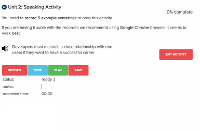
Speaking Practice Activity
Master your pronunciation by recording yourself and receiving feedback from native-speaking teachers.
US
UK
Good programmers write code in an efficient manner so that it runs quickly and uses less memory.
US
UK
Most operating systems today are customizable, allowing users to change themes, security settings, and default applications.
US
UK
A consultant with a deep background in HCI was called in to study the usability of the proposed operating system changes.
... and more sentences to practice.
Premium
Writing Practice Activity
Improve your writing skills with guided essay questions and professional correction.
- Which operating systems have you tried? Which do you like best? Why?
- What users typically prefer CLI operating systems? What users typically prefer GUI operating systems? Why?